Smart Home / Buying guide
Smart home compatibility, explained
Understand ecosystems, connections, and everyday controls before bringing another connected device home.
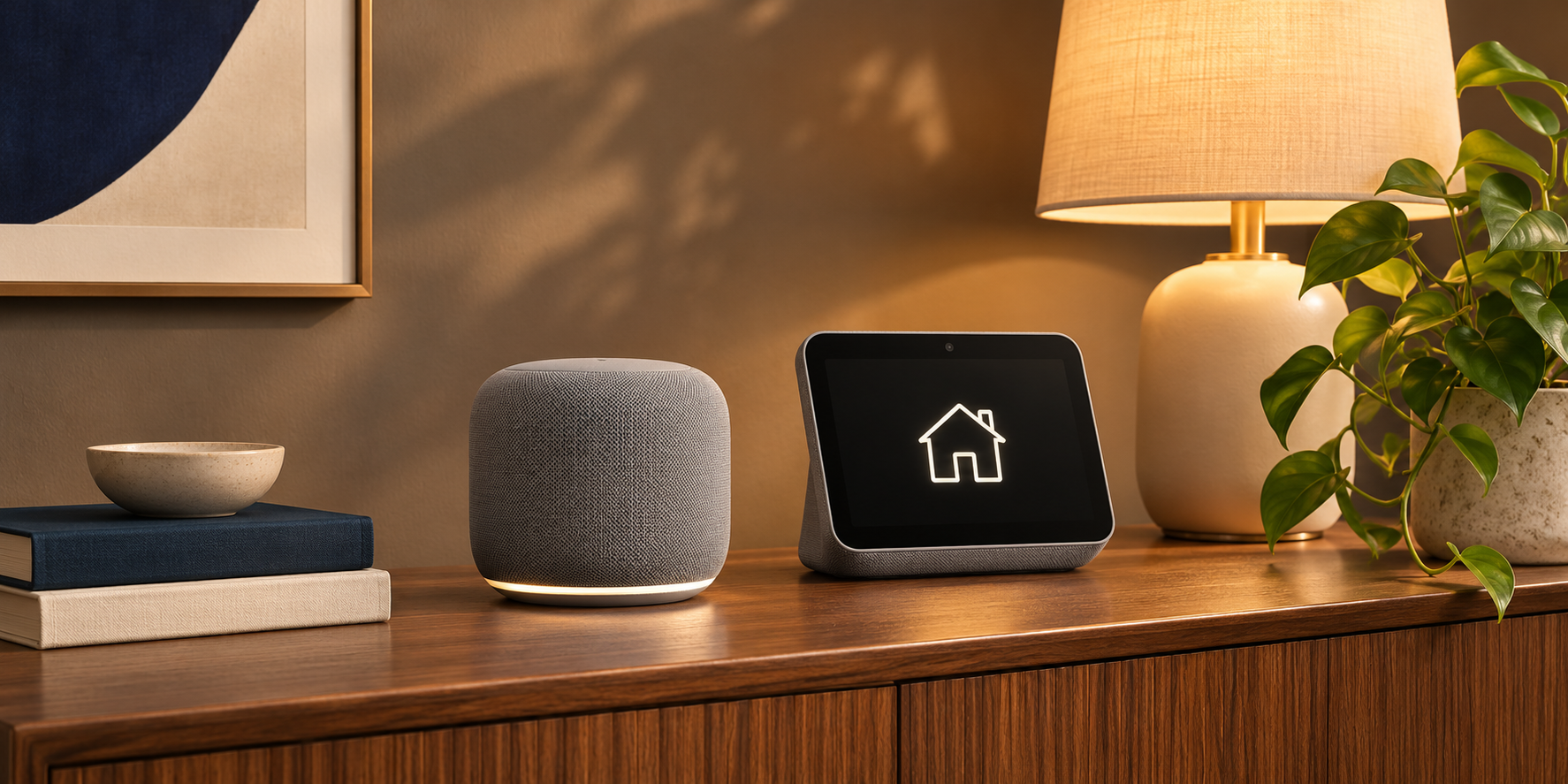
This is a general buying guide, not a hands-on product review. Check current specifications, compatibility, and terms with the manufacturer before purchasing.
A smart home should make ordinary routines simpler. Compatibility is about more than seeing a familiar logo on a box: the device, controller, network, and features you want all need to work together. Start with a single useful routine and build from there.
Choose a routine before an ecosystem
Decide what you want to improve: controlling a lamp from the sofa, listening to music in the kitchen, or setting a schedule. Write down the devices needed for that routine. Avoid buying a bundle just because it includes more equipment; each extra device adds setup and maintenance.
Check the exact supported features
A device can work with an ecosystem while exposing only some of its features. Confirm the exact model, supported controller, and any required bridge in the manufacturer’s documentation. Check whether remote access, voice control, or advanced automation requires an account, subscription, or additional hardware.
Plan for network and privacy
Place devices where your home network reaches reliably. Read the setup requirements before purchasing and check how software updates are delivered. Review microphone controls and account permissions on voice-enabled equipment. Prefer a setup that remains understandable to everyone who uses the room.
Keep everyday controls usable
A smart speaker should complement a phone or computer, not make them essential for every interaction. Test how you would adjust volume or turn a light off when the app is unavailable. Keep a simple manual fallback for important routines and record how to reset or transfer each device.
Benefits of this approach
- Starting with one routine reduces setup complexity.
- Checking feature-level support avoids surprise limitations.
Limits to keep in mind
- Compatibility and supported features may change with updates.
- Some useful functions depend on an account or internet access.
Who this guide is for
First-time smart home buyers and households adding to an existing setup.
The takeaway
Buy one device for one clear job. Verify its requirements and controls, try the routine, and expand only when the first step works reliably.