Audio / Buying guide
Build an audio setup that fits your day
Choose between headphones and speakers by considering your room, your calls, and the people around you.
This is a general buying guide, not a hands-on product review. Check current specifications, compatibility, and terms with the manufacturer before purchasing.
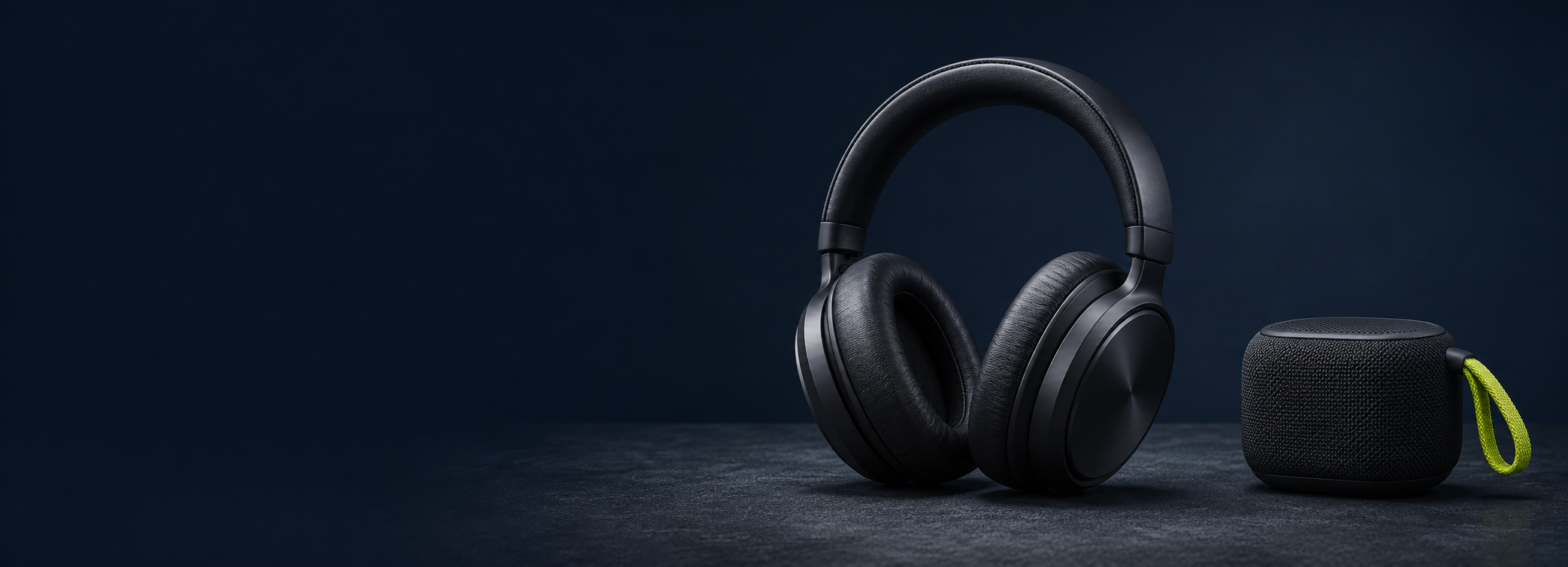
A useful audio setup starts with where and how you listen. Headphones can provide a private listening space, while speakers let a room share the sound. Neither is automatically better: the right choice depends on your day, your desk, and your household.
Start with your listening environment
Consider whether your room is shared, whether you take frequent calls, and how much background noise you face. Headphones can limit sound reaching other people, but fit and comfort vary. Speakers may suit a private room, provided that you can position them sensibly and keep the volume considerate.
Treat calls as a separate requirement
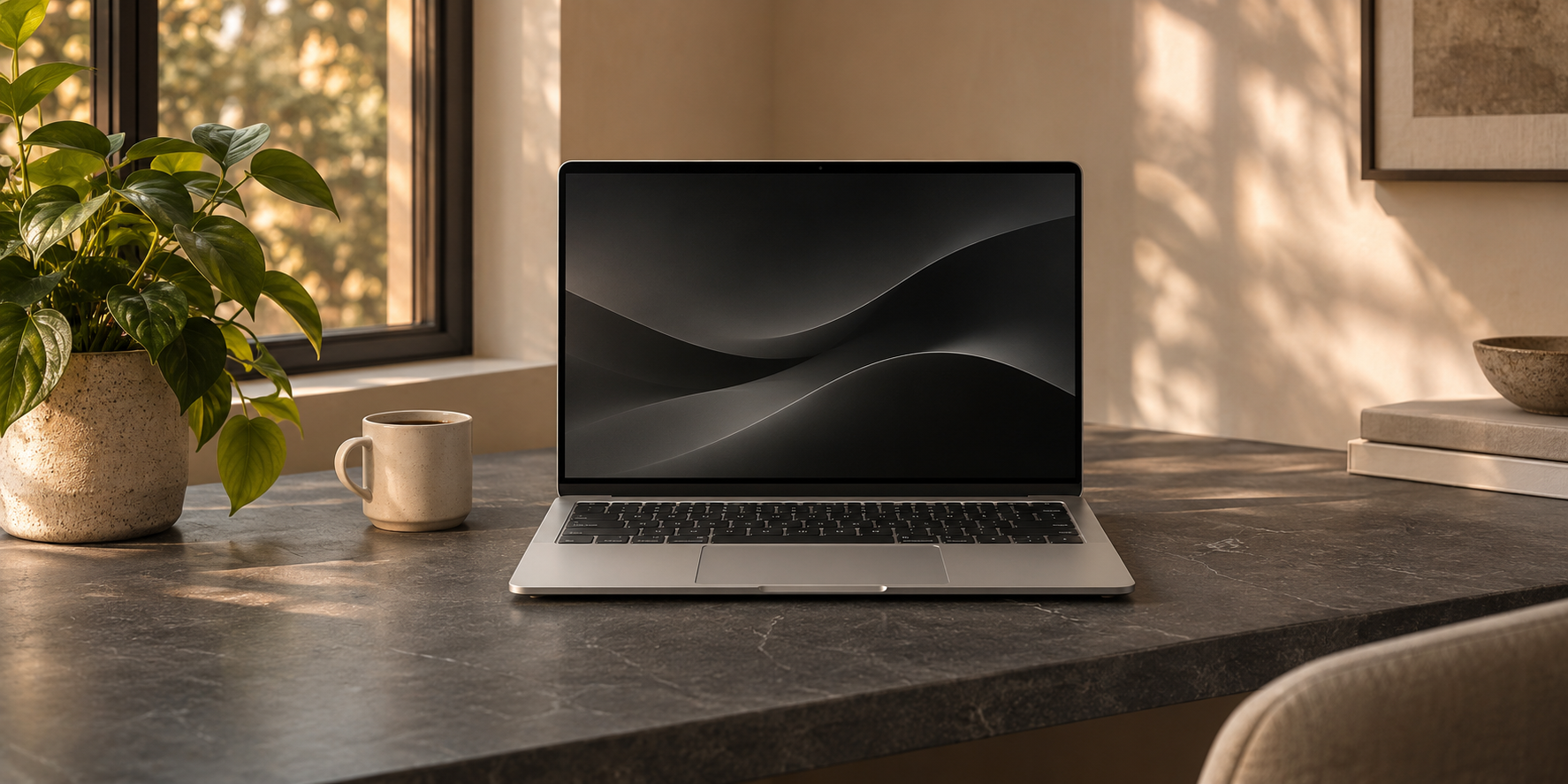
Music playback does not tell you how a microphone will sound on a call. Check microphone samples and call-focused reviews for the exact product. Confirm how your laptop handles the device during a call, including any differences between wired and wireless connections. A return window is useful when your working environment is hard to reproduce in a store.
Check switching and connections
List the devices you will use: laptop, phone, or smart display. Look for the connectors and switching behavior you actually need. Do not assume every cable supports the same functions or that every wireless feature works across all operating systems. Confirm compatibility against the manufacturer’s current documentation.
Make room for a simple routine
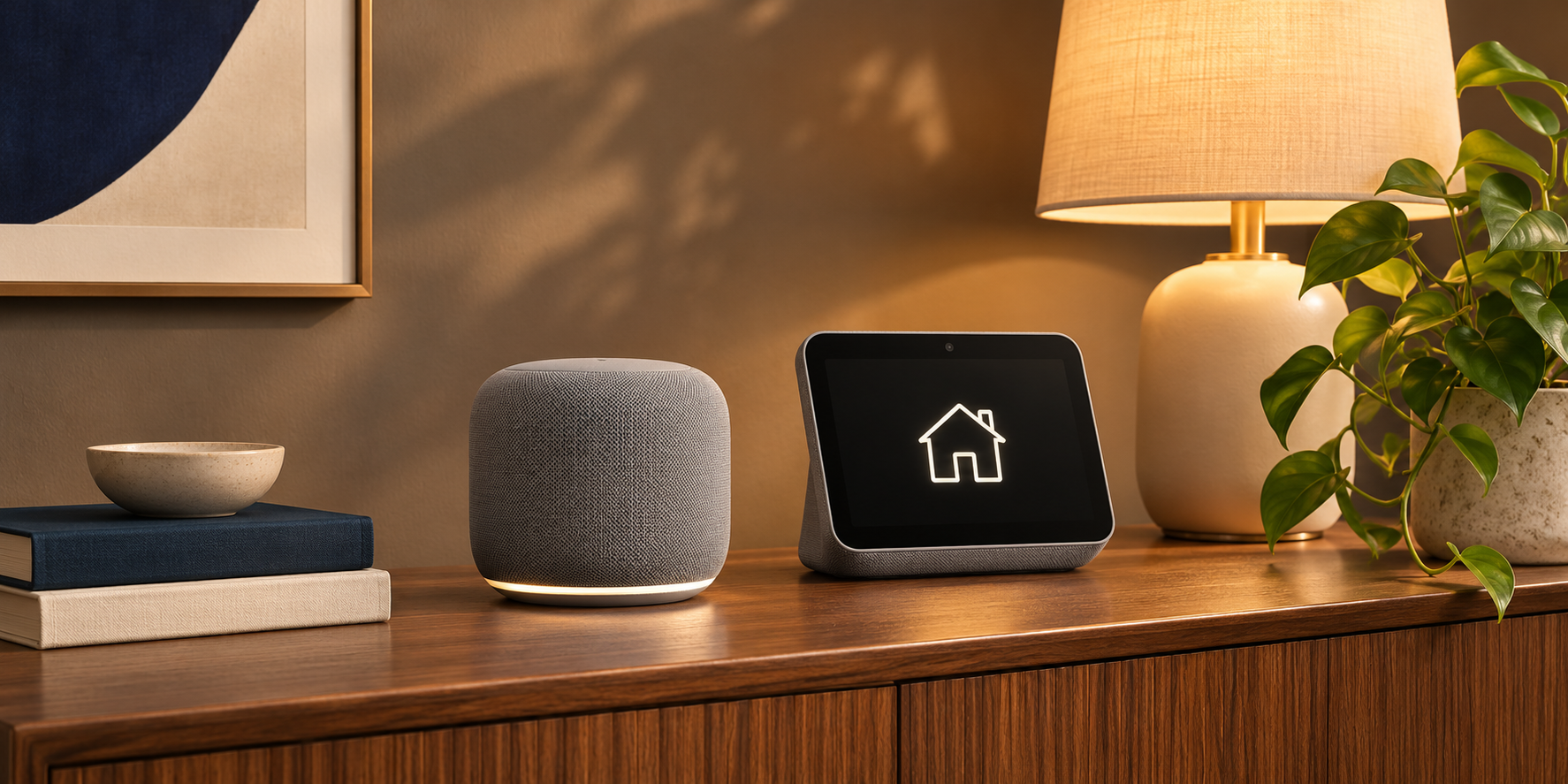
Keep charging, storage, and volume controls easy to reach. A smart speaker can be convenient in a shared living space, while headphones may be a better fit at the desk. Avoid adding devices that solve the same problem unless you have a clear reason to keep both.
Benefits of this approach
- Choosing for your room makes the setup more practical.
- Checking microphone quality separately helps call-heavy users.
Limits to keep in mind
- Comfort and perceived sound quality are subjective.
- Wireless features can vary by connected device and software.
Who this guide is for
Home workers and everyday listeners choosing a first desk audio setup.
The takeaway
Choose the format that fits your environment first. Then check comfort, microphone quality, connection support, and return terms before comparing optional features.